The Product OpsFlywheel.
Most Jira projects end at go-live, and the setup starts drifting the week after. The Flywheel is five stages that turn scattered work into one flow in Jira and Confluence, and keep it turning release after release. Each stage ends at a gate: we move on only when its outcome is in place.
Flywheel
Six months after go-live
Did you ever finish a Jira roll-out, celebrate the go-live, and six months later find nobody follows the workflow you designed?
It wasn’t a bad setup. On the day it went live, it fit the team perfectly.
Then the team grew. A new product line started. Someone added three custom fields “just for now”. A second board appeared because the first one didn’t fit a new way of working. Atlassian shipped a feature that would have saved hours, and nobody had time to look at it.
Now the reports don’t add up, the workflow has a status nobody uses, and the people who designed it have moved on. So you book another project to fix it. And the clock starts again.
+3 “just for now”
| To do | In use |
| Ready for QA? | Unused |
| Done-done | Unused |
What’s actually going on
Tools are set up once. Products never stand still.
A Jira or Confluence setup is a snapshot of how a team worked on one day. Your product, your people and your process keep moving; the tools don’t move with them unless someone owns the flow between them.
That’s the gap: nobody’s job is to keep product, process, people and tools fitting each other. So every year or two, the gap gets big enough to justify another project.
What is product ops?
Product ops is the job of keeping that fit.
Product ops (product operations) is the work of making product development run as one system: how ideas, decisions, delivery and feedback move between teams and tools. At Lottusa we practice it in Jira and Confluence.
We look at your work through six lenses, each with one question:
- OObjectivesWhat are we actually optimizing for?
- PPipelineWhere does work sit and wait?
- TTechWhich tools help, and which get in the way?
- IInsightsWhat is the data telling us, and who reads it?
- MMethodsHow do we decide and plan under uncertainty?
- AActionsWhere is the team’s effort actually going?
And across four surfaces: the product you build, the process you build it with, the people who do the work, and the tools they use.
Process
People
Tools
Why a flywheel, not a project?
A project has an end date; your product doesn’t. Teams grow, products change, Atlassian ships new features every month. So after Implement, the work doesn’t stop: Enhance adds automation and Rovo agents once the flow is in real use, and Thrive reviews its health each quarter or before a big release. When the product or the team changes, the next turn starts again at Teardown.
A flywheel takes effort to start and less to keep turning. The first turn sets up the flow; every turn after that is smaller, faster and built on what the last one taught us.
Kick-off → Go-live → End
Turn 1Set up the flow
Turn 2Smaller, faster
Every turnBuilt on the last
Walk through the Teardown phase
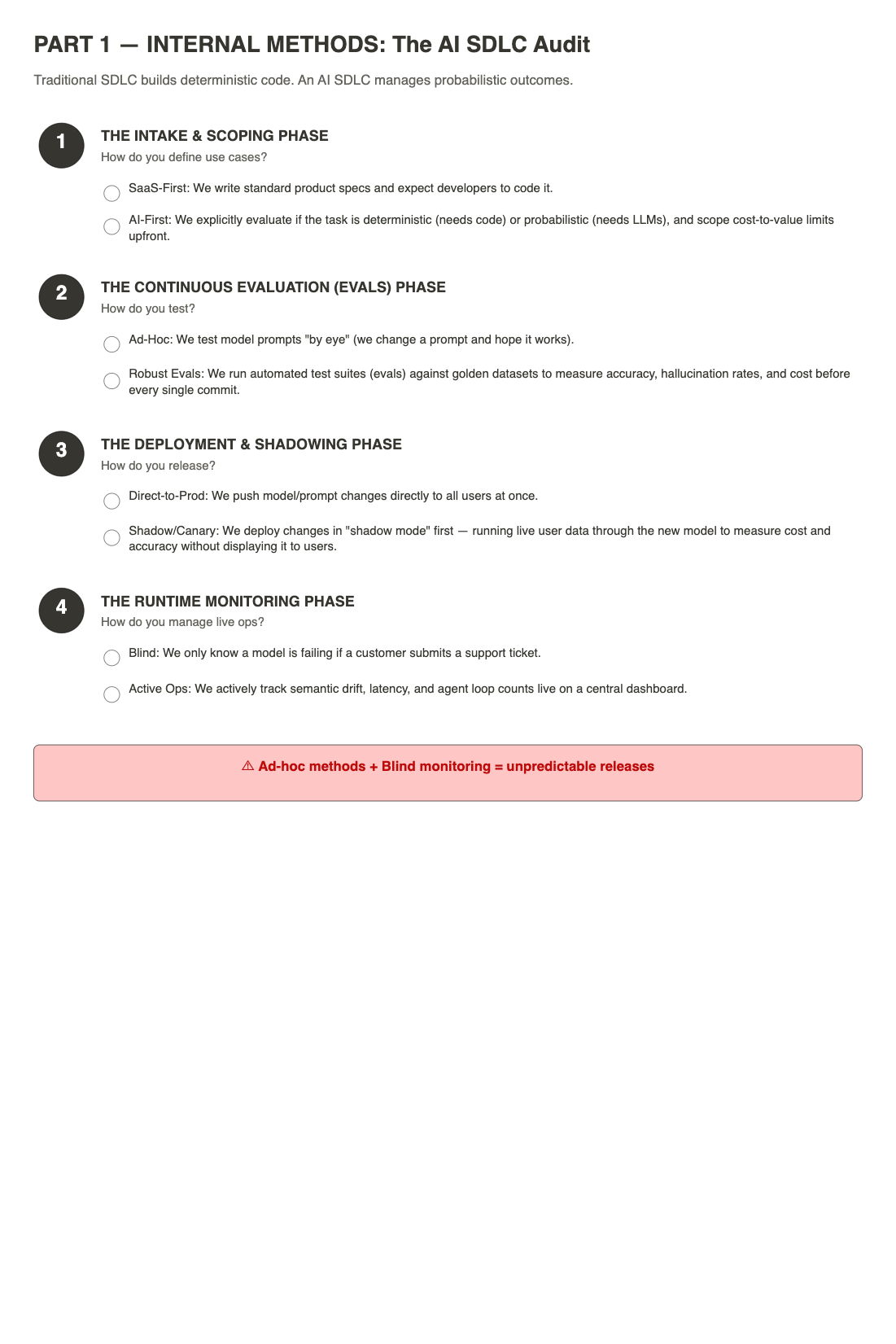
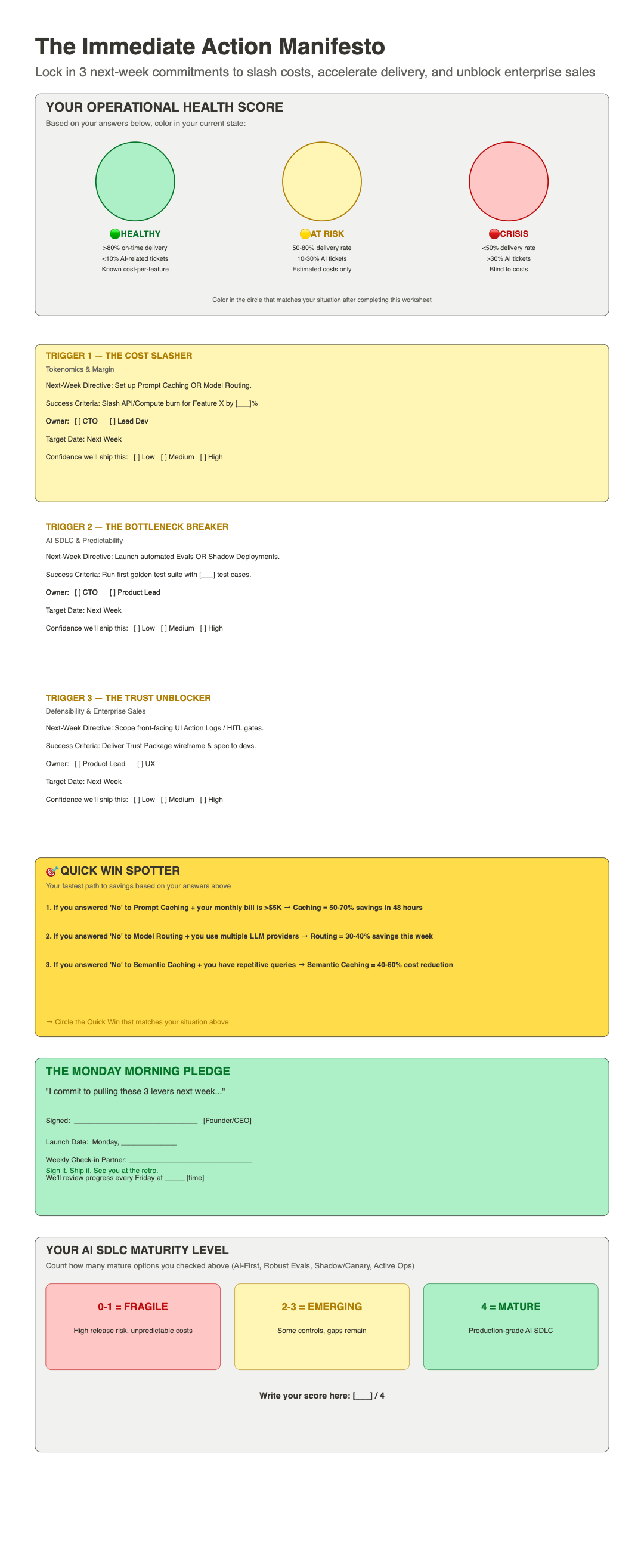
The real worksheets we fill in with your team, one for each lens. Scroll to move across the board.
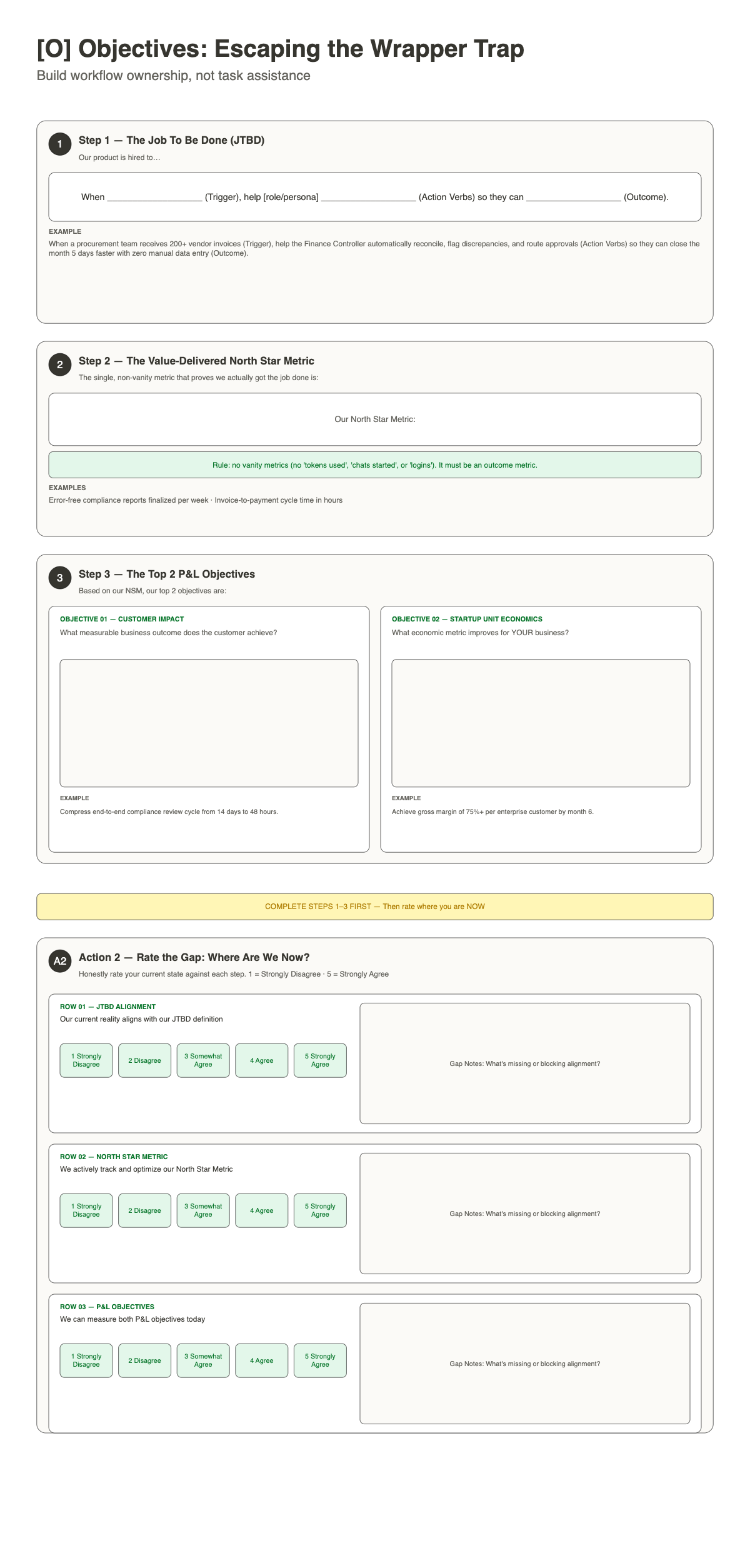
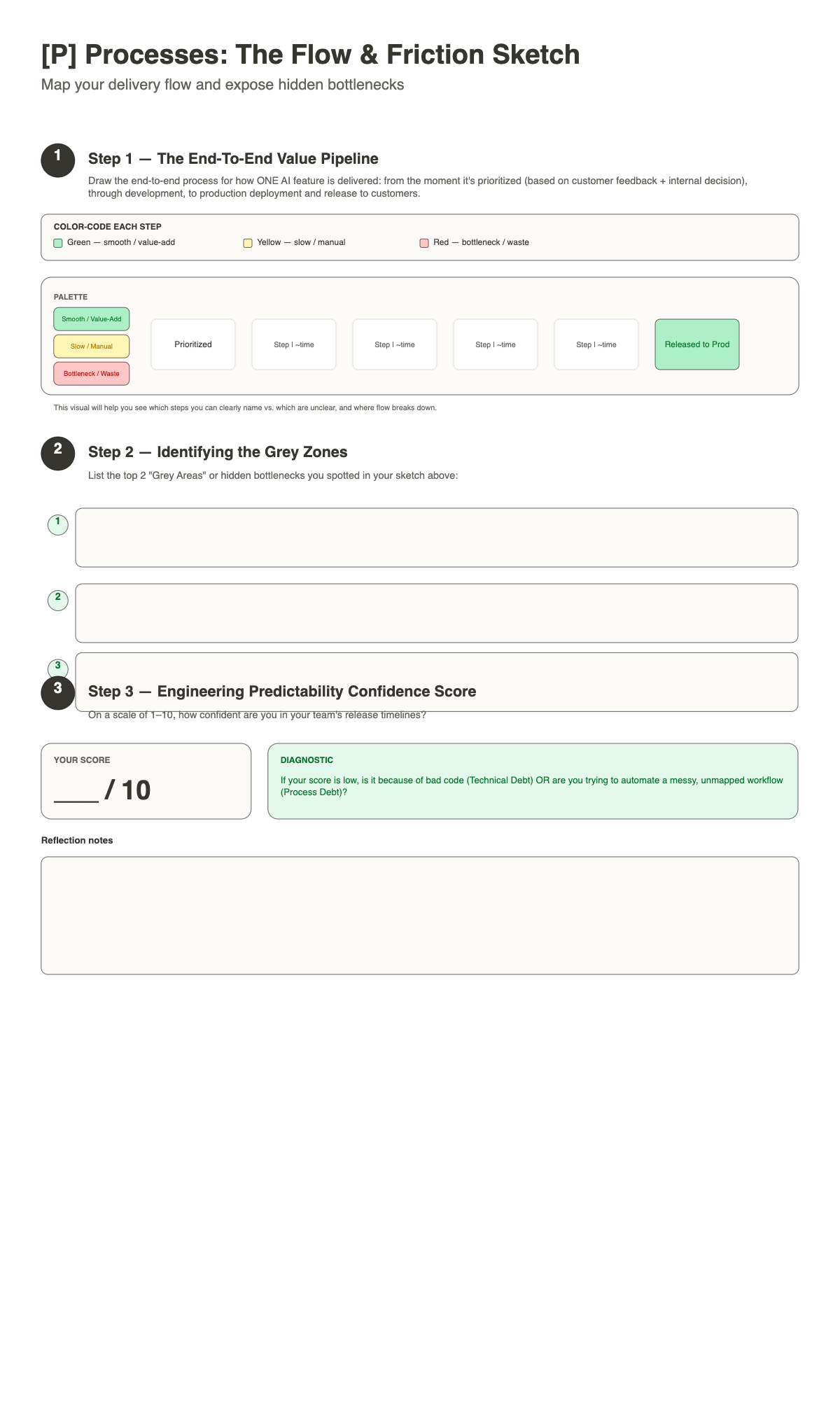
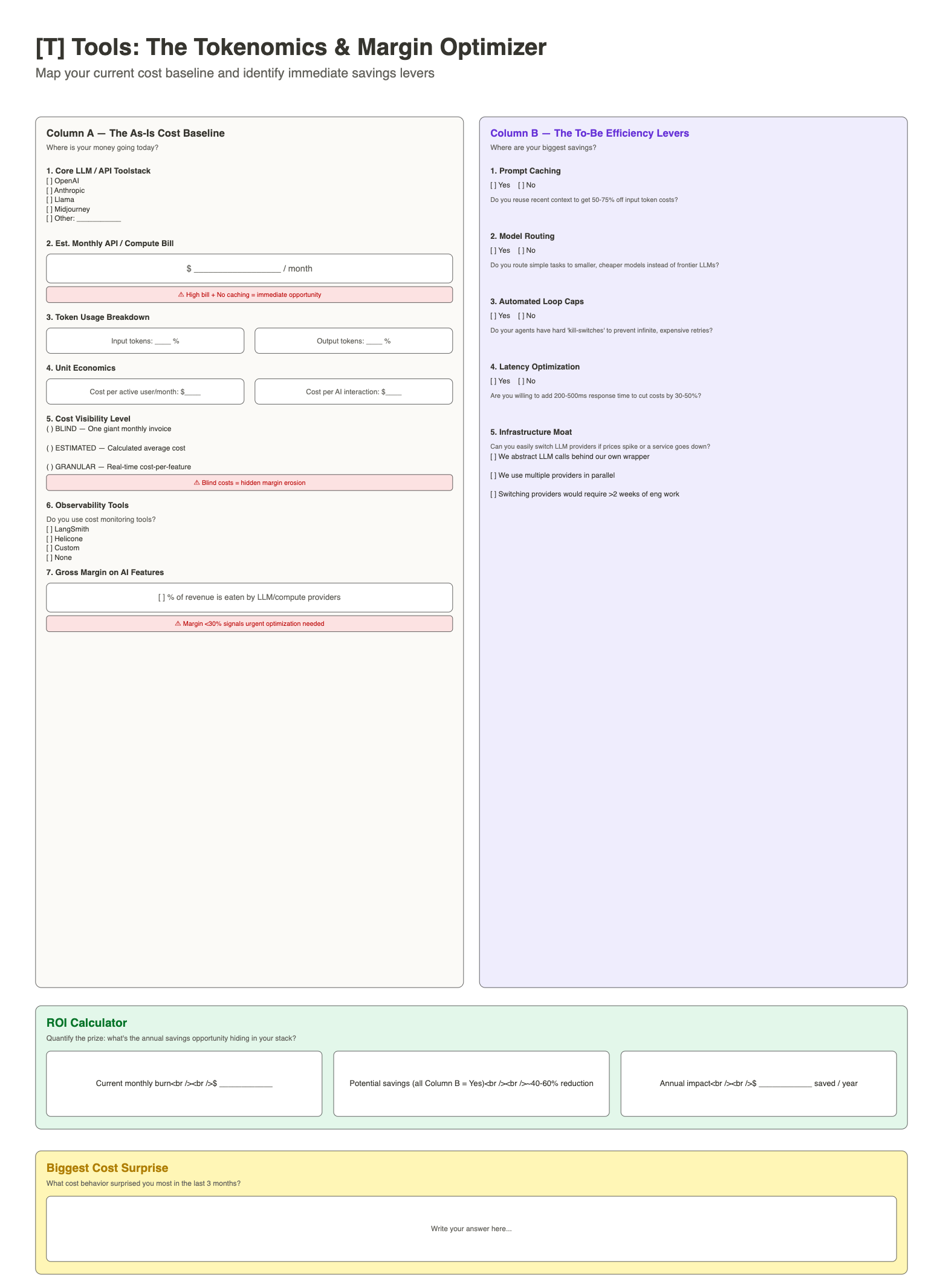
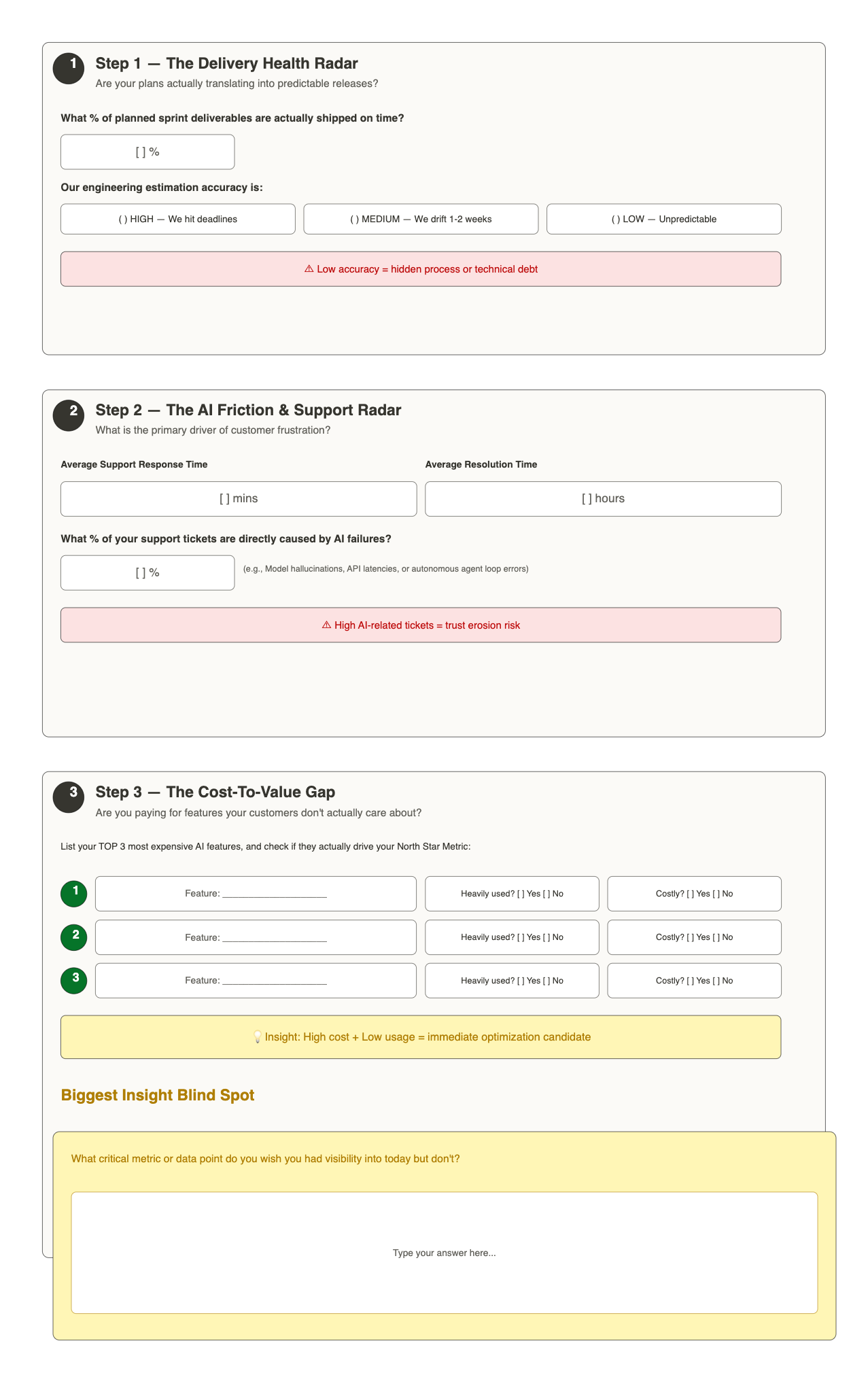
Every stage ends at a gate
We move to the next stage only when the last one’s outcome is in place, and you’ve signed it off. Each stage has a check before it starts, named deliverables, and a decision at the end: go on, go on with conditions, or stop.
That’s how one method works the same way whoever on our team delivers it, and how you always know what you’re getting before you commit to the next step.
Entry checkDone
Target flow, one feature tracedDelivered
Your sign-offGo
One method, three kinds of team
- SaMD teamsThe flow traced from clinical feedback to release, with requirements, risk controls and tests linked in Jira. SaMD services →
- Hardware + software teamsBuilds, gates and long-lead parts on one plan with firmware and software sprints, using MAHD where it fits. Hardware services →
- SaaS teamsCustomer insight joined to delivery, from Jira Product Discovery to Jira and Confluence, across several teams. SaaS services →
What you can expect, and what we don’t do
- Fixed scope for every stage.You know what you get before you start, agreed on the review call.
- You own everything we build.It lives in your own Atlassian Cloud, documented for your team.
- One method, whoever delivers it.The same stages and gates on every engagement.
- What we don’t do.Regulatory sign-off, license resale and open-ended admin support. Your experts keep their calls; we build the flow around them.
Jira setup documentedYours
Team trainedDone
Next health reviewNext quarter
Questions about the Product Ops Flywheel
What is product ops?
Product ops (product operations) is the work of making product development run as one system: how ideas, decisions, delivery and feedback move between teams and tools. It sits between product, engineering and operations, and keeps the way you work fitting the product you build.
What is the Product Ops Flywheel?
Lottusa’s method for setting up and improving how product teams work in Jira and Confluence. It has five stages, Teardown, Blueprint, Implement, Enhance and Thrive, each ending at a gate you sign off, and Thrive feeds the next Teardown.
Where do we start?
With a review call, then a free Teardown: a fixed-scope look at how your work flows today. You leave with recommendations across product, people, processes and tools: the gap list and a suggested way forward, whether or not you continue with us.
Do we have to do all five stages?
No. Each stage ends at a gate, and you decide at every gate whether to go on. You can start with a Teardown and a Blueprint and implement part of it yourselves.
Is it only for Jira and Confluence?
We set the flow up in Jira, Jira Product Discovery, Jira Service Management and Confluence, with Rovo agents where they help. The method itself is about how your product, process, people and tools fit together.
Start with a Teardown.
Book a free review call first. We agree the Teardown’s scope on the call: which flow, which teams, and what you get at the end.